

Avinash Vagh
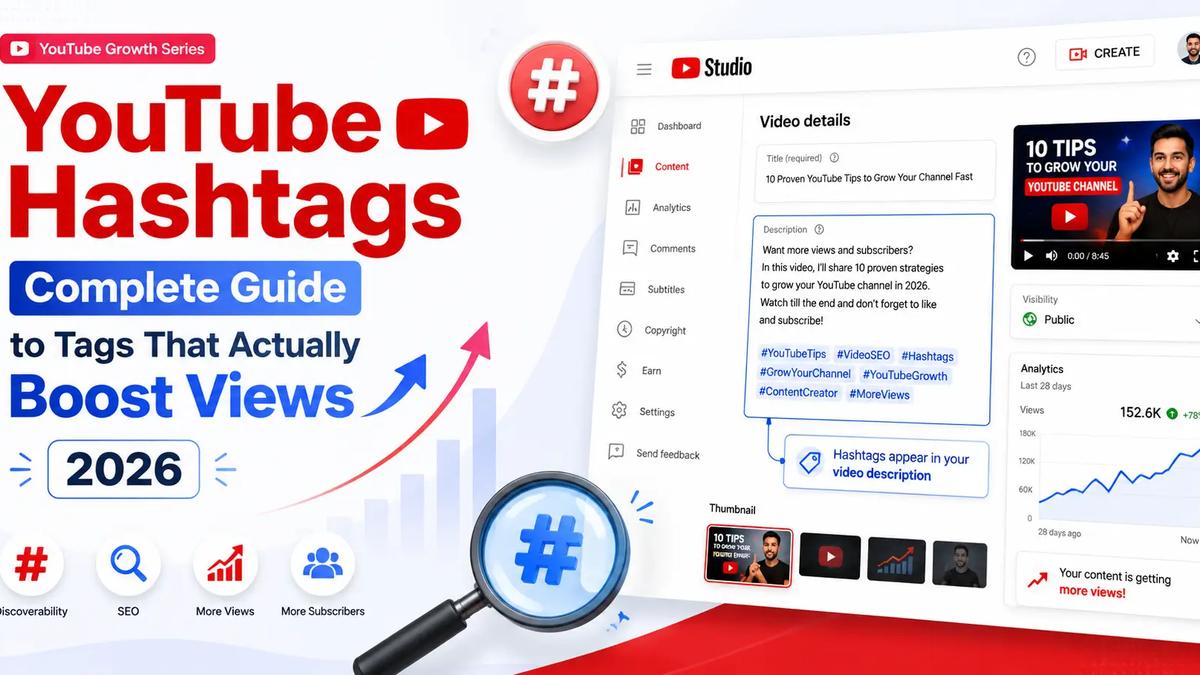
Most creators slap five random hashtags under a video and hope for the best. Then they wonder why nothing moves. The truth is simpler than the myths: YouTube hashtags do help discovery, but only when they match what real viewers search and the topic of your video. Used well, the right YouTube hashtags pull your content into related searches, hashtag pages, and the "more videos like this" rail. Used badly, they do nothing at all.
This guide breaks down exactly how YouTube hashtags work, how many to use, where to place them, and which tags actually move views in 2026. You'll also get copy-paste hashtag lists by niche. If you'd rather skip the manual research, you can paste your title into our free YouTube hashtag generator and get a ranked set in seconds.
Yes, but not the way most people think. Hashtags are not a magic ranking lever. They are a discovery signal. When you add a hashtag, YouTube links your video to a page that collects every video using that same tag. Viewers who tap a hashtag, or search one, can find you there.
Hashtags also reinforce relevance. YouTube already reads your title, description, and on-screen content to understand a video. Clear, accurate YouTube hashtags confirm that topic and help the system place you next to similar content. That matters most for small and mid-size channels that don't yet have strong watch-history signals.
What hashtags will not do is rescue a weak video. A clickable thumbnail, a strong hook, and solid retention still drive the bulk of your reach. Treat hashtags as a multiplier on good content, not a substitute for it.
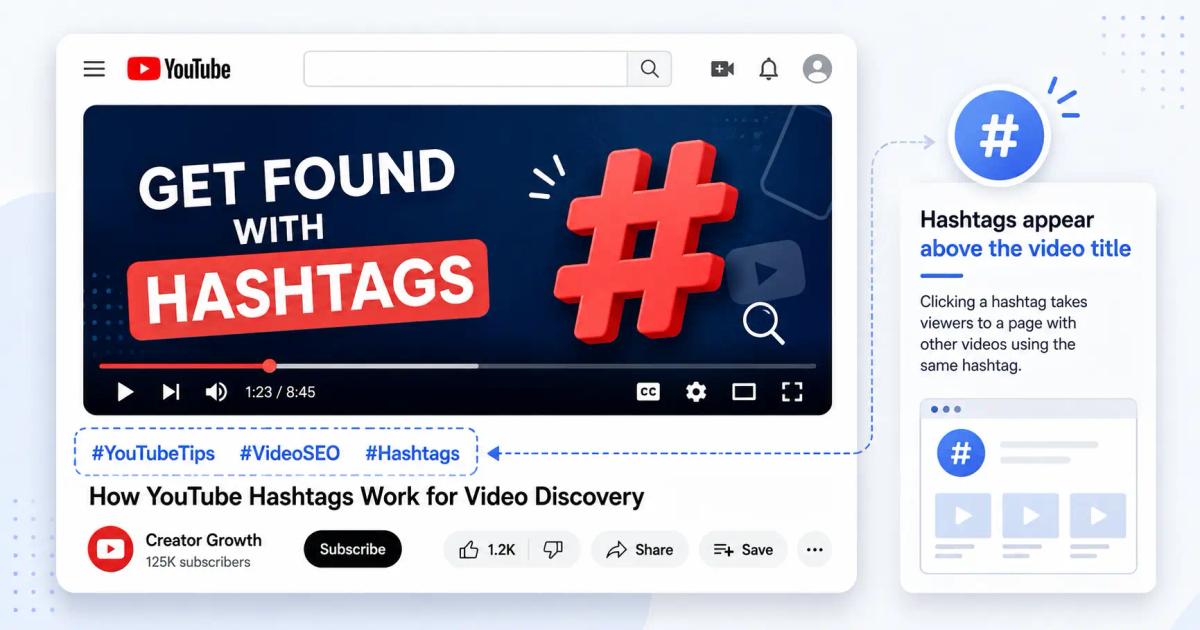
A YouTube hashtag is any word or phrase preceded by the # symbol, with no spaces. Add #travel and it becomes a clickable link. Tap it and you land on a page of videos sharing that tag.
Where do YouTube hashtags appear? In two main spots:
You can also drop a hashtag inside the title itself, though most creators keep titles clean and let the description carry the tags. On mobile, those linked hashtags above the title are prime real estate, so put your strongest one first.
YouTube allows up to 15 hashtags per video. Go over that limit and YouTube ignores all of them, so more is not better.
The best number of hashtags for YouTube is far lower than the cap. Aim for 3 to 5 relevant tags. Three of them get the visible blue-link treatment above your title anyway, and a tight set keeps your relevance focused. A wall of 15 loosely related YouTube hashtags dilutes the signal and can look spammy.
A simple rule: one broad tag, one niche tag, one specific tag. For a beginner guitar lesson that might be #guitar, #guitarlessons, and #beginnerguitar. Three precise hashtags beat fifteen vague ones every time.
Adding hashtags takes seconds, but placement differs slightly between long-form videos and Shorts.
Upload your video or open an existing one in YouTube Studio.
Scroll to the Description field.
Type your hashtags anywhere in the description, each starting with # and no spaces (e.g. #productivity #worktips).
Put your three most important tags first so they appear as links above the title.
Save. The hashtags go live with the video.
YouTube Shorts hashtags work the same way, with one extra perk: tags like #shorts help the system categorize your clip as a Short and surface it in the Shorts feed. For YouTube Shorts hashtags, a common, effective pattern is one format tag, one topic tag, and one trend tag, for example #shorts, #cooking, and a trending challenge tag. Keep it to three to five so the Shorts algorithm reads your niche clearly. Hashtags for YouTube Shorts that match the actual content of the clip will always outperform generic filler.
Guessing is the slow way. Here's a faster process for YouTube hashtag research that consistently lands relevant tags.
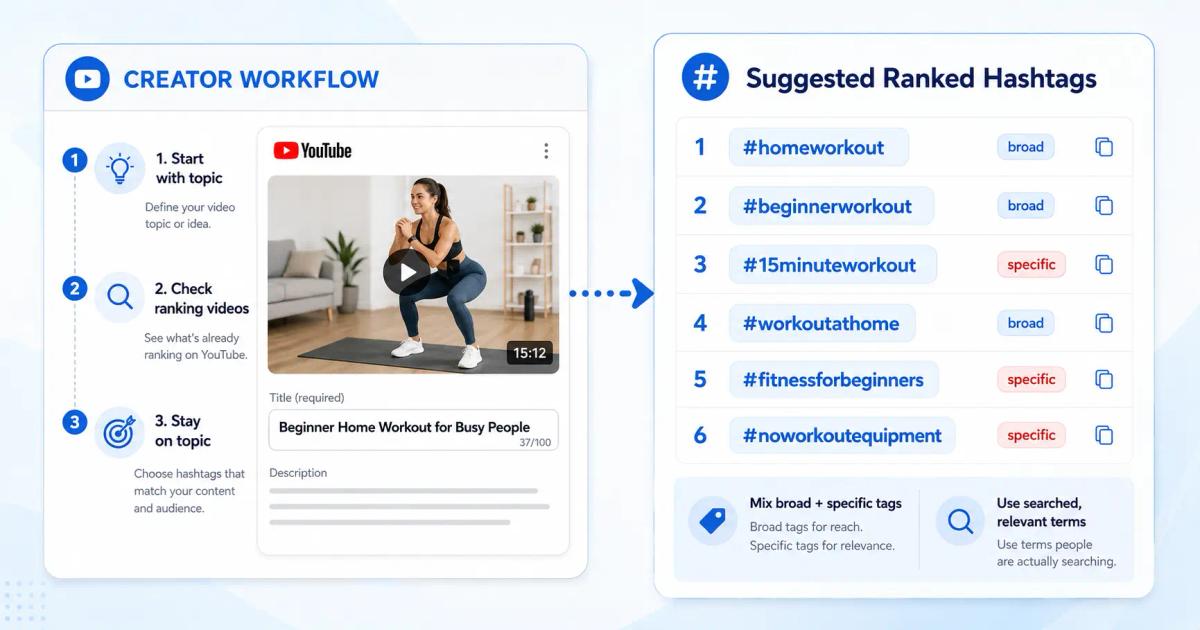
Start with your topic, not a tag. Write your video's core subject in plain words. "Beginner home workout" is a topic; the hashtags come from it.
Check what's already ranking. Search your topic on YouTube and open two or three top videos. Note the YouTube hashtags they use above the title. These are proven, relevant tags in your space.
Mix broad and specific. Broad tags (#fitness) have reach but heavy competition. Specific tags (#15minuteworkout) have less volume but far better odds of surfacing your video.
Match search demand. A good YouTube hashtag finder or research step confirms people actually search the phrase. A tag nobody looks for adds nothing.
Stay on topic. Never add a viral but unrelated tag. Off-topic YouTube hashtags confuse the system and can suppress reach.
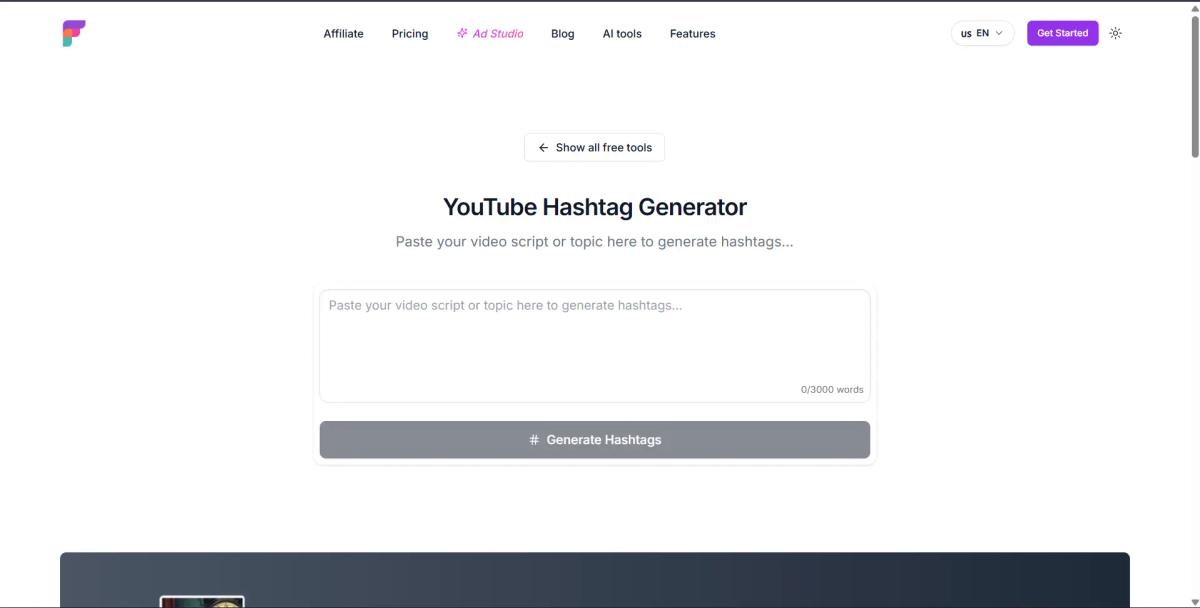
Manual research works, but it's slow when you publish often. Our YouTube hashtag generator tool handles steps two through four automatically: paste your title or topic, and Frameloop returns a ranked, on-topic hashtag set built from what's actually being searched.
Below are evergreen YouTube hashtags for Shorts and long-form videos, grouped by niche. "Evergreen" means they stay relevant year-round, unlike trend tags that fade in days. Pick three to five that genuinely fit your video, then swap in a trend tag when one applies. Want a set tailored to your exact upload? Use Frameloop to generate hashtags for your video instead of copying a generic list.
General / all-purpose YouTube hashtags #youtube #video #subscribe #creator #contentcreator
Evergreen YouTube hashtags for Shorts #shorts #shortsvideo #shortsfeed #youtubeshorts #viralshorts
Gaming #gaming #gamer #gameplay #letsplay #gamingshorts
Vlogs / lifestyle #vlog #dailyvlog #lifestyle #vlogger #dayinmylife
Music #music #newmusic #cover #musician #musicshorts
Fitness / health #fitness #workout #homeworkout #fitnesstips #gym
Comedy / entertainment #funny #comedy #relatable #funnyshorts #entertainment
Tech / education #tech #techtips #howto #tutorial #learnontiktok
Food / cooking #food #recipe #cooking #foodie #easyrecipe
Beauty / fashion #beauty #makeup #skincare #fashion #grwm
Trending hashtags for YouTube Shorts change fast, so check before each upload rather than reusing an old list. To find what's hot, search your niche plus "shorts" on YouTube and look at the tags on videos posted in the last few days. Trending YouTube hashtags only help when the trend matches your content; forcing an unrelated trend tag rarely pays off and can hurt relevance.
There's no permanent set of viral hashtags for YouTube Shorts, because "viral" is a moving target. What works is pairing a stable niche tag with one current viral hashtag for YouTube Shorts that genuinely fits the clip. A cooking creator riding a sauce trend might use #cooking, #recipe, and the specific trend tag. The niche tags keep you discoverable long after the trend cools.
People often mix these up, so let's clear it up. YouTube hashtags are the clickable # links viewers see above your title and in your description. Video tags are hidden keywords you add in YouTube Studio's advanced settings that viewers never see.
Both describe your video, but they do different jobs. Hashtags are public and drive clicks from hashtag pages and searches. Tags are private metadata that help YouTube understand context, especially for misspellings or alternate phrasings of your topic. You'll see searches like "ai youtube tags" and "youtube tags for views free" because creators want help with the hidden field too, but the visible, click-driving win comes from your YouTube hashtags.
Use both. Add 3 to 5 public hashtags for discovery, then a handful of accurate hidden tags in Studio for context. Don't expect tags alone to boost views, though; YouTube has confirmed video tags play only a minor role, while titles, descriptions, and YouTube hashtags carry far more weight. Spend your effort where it counts.
A quick workflow that covers both: write your title, pull 3 to 5 on-topic hashtags from your research, then add five or six closely related hidden tags for spelling variants. That single pass handles the public and private metadata in one go, and it keeps every video's signal sharp instead of recycling the same generic set across your whole channel.
Even good creators trip on the same hashtag errors. Skip these:
Avoid these and your YouTube hashtags start working with the algorithm instead of against it. For deeper context on hashtag rules, YouTube's own Help Center keeps the official limits up to date.
YouTube hashtags are a small lever with a real payoff when you use them right: three to five relevant tags, your strongest one first, refreshed per video, and never stuffed or off-topic. Pair that discipline with strong thumbnails and hooks, and hashtags become a steady source of extra discovery rather than wishful decoration.
The fastest way to get there is to stop guessing. Frameloop builds on-topic, search-backed hashtag sets in seconds, then helps you finish the whole package, from titles to descriptions.
Try the free YouTube hashtag generator — paste your topic and get a ranked, ready-to-use set.
While you're at it, sharpen the rest of your metadata with the YouTube title generator and the YouTube description generator.

Got great video ideas but need help bringing them to life? Frameloop AI makes it easy to create professional faceless videos with AI-generated visuals, voiceovers, and editing.
Try Frameloop AI For Free