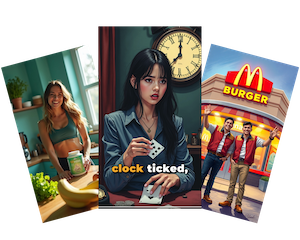
This is a big update. FrameLoop now has a chat assistant, an AI that edits your videos for you, and a new way to turn songs into videos.
Create Assistant
Describe what you want in a chat, and the assistant picks the right workflow for you.
- Guided steps: It asks the same questions the forms ask, like quality, resolution and aspect ratio, and guides you through each one.
- You approve first: It shows an approval card before it starts, and you can change the details on the card.
- Chats you can return to: Every chat has its own page, and your past chats are in the sidebar.
Edit with AI
In the editor, ask the AI to change your project in plain words. Type @ and a scene name to point it at one scene, and the editor opens right on it.
Audio Visualizer videos
This is a new kind of music video. It turns your song into an animated visualizer.
- Pick from redesigned templates.
- Show your lyrics one line at a time.
- FrameLoop writes a title and makes cover art for you.
Make the song first
Create a new song right from the music video page, or pick one you already made in Studio.
Music automations
Set up an automated music series that makes new music videos on a schedule. Add your brand kit to keep every video on brand, and use the visual controls to set how the images look.
Easier to find your way
Automations now live in the sidebar. We also removed the Tools section and the Ad Analyser to keep Create simple.